
Create application
Applications are registered entities within Mercado Pago that act as a unique identifier for managing the authentication and authorization of your integrations. They represent the link between your development and Mercado Pago and constitute the first stage in carrying out the integration.
To create an application, you have three options available: with an AI agent from your code editor, with the Mercado Pago Developers Assistant, or manually from the integration Panel.
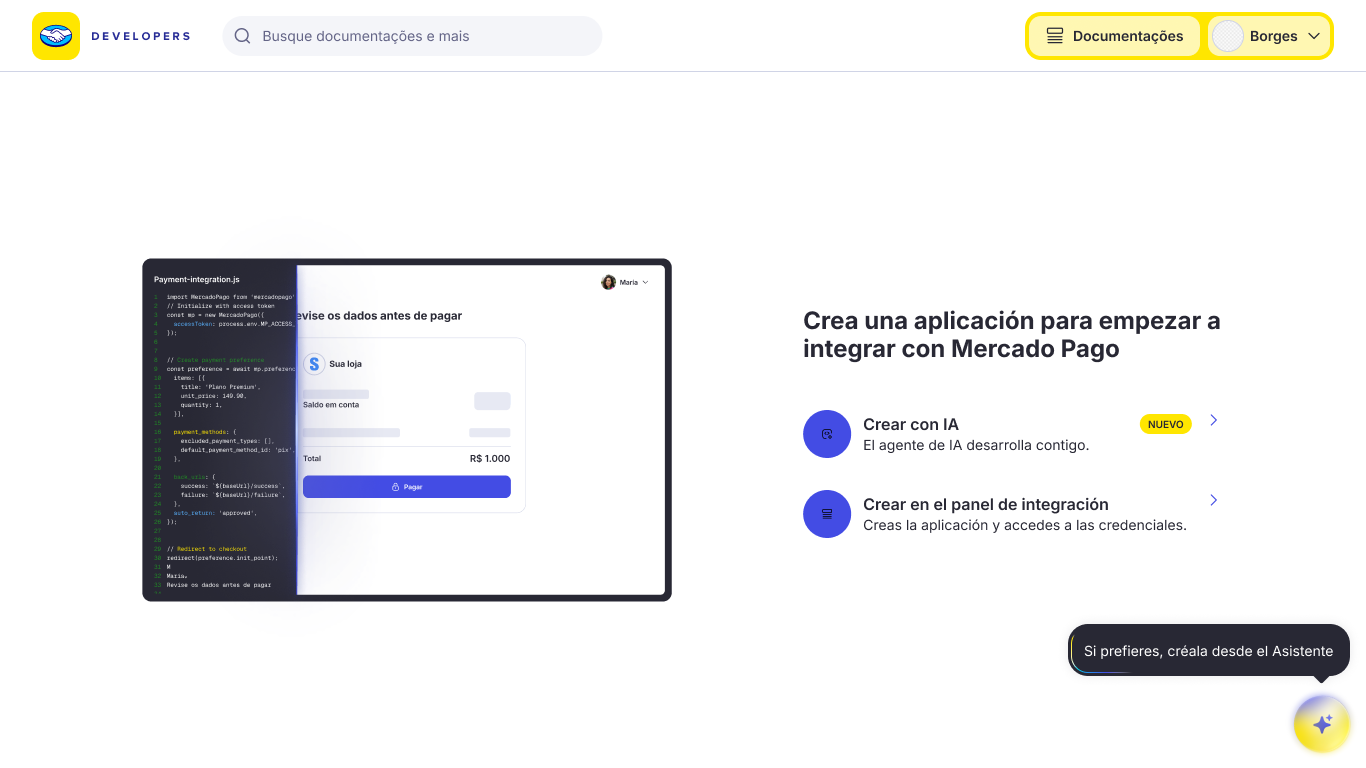
You can use our AI resources to create your application from your IDE or agent in 2 steps. The agent will take care of creating the application in the integration panel and guiding you through the entire configuration.

To do this, you have two options: installing the Mercado Pago Plugin, available for Claude Code and Codex, or configuring the Mercado Pago MCP Server, available for editors such as VS Code and Cursor. Follow the instructions for the option you choose.
Claude Code
Run the following command to install the Mercado Pago plugin for Claude Code.
bashclaude plugin install mercadopago@claude-plugins-official
Once installed, run the /mp-connect command to authorize the agent's access to your Mercado Pago account.
Codex
Run the following commands to install the Mercado Pago plugin for Codex.
bashcodex plugin marketplace add mercadopago/mercadopago-codex-marketplace
codex plugin add mercadopago@mercadopago-codex-marketplace
Once installed, run the /mp-connect command to authorize the agent's access to your Mercado Pago account.
VS Code
Add the following configuration to your mcp.json file.
json{
  "mcp": {
    "servers": {
      "mercadopago-mcp-server": {
        "type": "http",
        "url": "https://mcp.mercadopago.com/mcp"
      }
    }
  }
}
Cursor
Add the following configuration to your mcp.json file.
json{
  "mcpServers": {
    "mercadopago-mcp-server": {
      "url": "https://mcp.mercadopago.com/mcp"
    }
  }
}
Finally, ask the agent to create your application in Mercado Pago. If you'd like, you can copy and paste the following prompt.
plainI want to integrate with Mercado Pago. Recommend the ideal payment solution for my project, create the application, and guide me through the integration.
In Integrations, you can view all your applications. Select one to access the resources and settings available to manage it.
Access test credentials
Test credentials let you configure and validate the integration without processing real payments. They are created automatically with the application.
To view them, follow these steps:
- Go to Integrations and select the application.
- Select Test in the environment selector at the top of the screen.
- Access the credentials in either of the following ways:
- In Home, locate the Credentials block.
- In the side menu, select Credentials.
In both cases, you will find the Public Key and Access Token for the test environment, with options to copy them.
| Type | Description |
| Public Key | Public key used in the frontend to initialize the integration and protect the data sent to Mercado Pago. |
| Access Token | Private key used in the backend to authenticate requests to Mercado Pago APIs. It must never be shared or exposed in the frontend. |
For these integrations, the test Access Token starts with the APP_USR prefix. Before copying a credential, verify that the selector displays the Test environment.
For more information, see the Credentials documentation.